
Redesign and strategy of the checkout self-registration and onboarding flow
01 My role
I was the Senior Product Designer responsible for the whole process: user research and interviews, prioritization workshops, prototyping, usability tests, handoff and follow-up with the team. I worked with another UX Designer, customer experience teams, POs, business specialists, developers and QAs.
02 Summary
I redesigned the card machine self-registration checkout on the Cielo website between 2022 and 2024, as the UX Designer responsible for the process end to end.
From 15 interviews with merchants and more than 50 mapped pain points, the hypothesis that guided the project was that the abandonment we found at the start of this flow came from a lack of trust in the page and from the difficulty of finding the machine people were looking for.
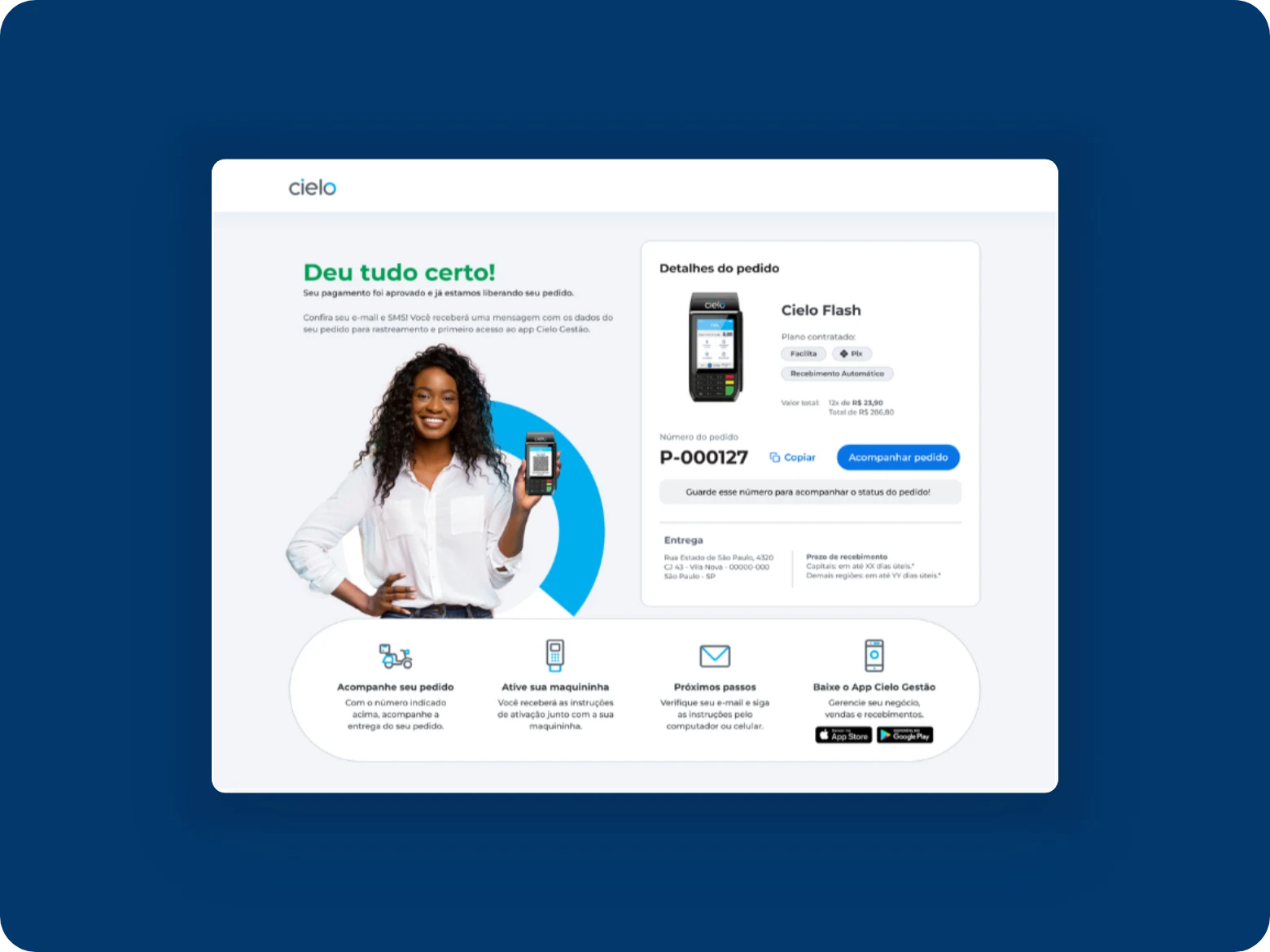
For that, I brought back the brand’s visual identity with the assistant Elô, added a comparison between payment hardware, and turned the confirmation into a next-steps screen, validating everything with 28 merchants before launch.
Comparing the three months before and after, among the main results are the drop in abandonment on the first screen from more than 80% to 52%, and an increase of more than 40% in completed orders.
03 Context
Cielo customers request their card machine through a self-registration checkout on the website, on desktop and mobile. The funnel had a clear shape: more than 80% of people abandoned already on the first screen, and around 50% abandoned again on the following screens. Even among those who completed the order, many never activated the product they bought.
04 The challenge
The project had two metrics: order completion through self-registration, and activation after the order. We also needed to improve the feeling of safety during the flow.
An initial analysis showed three problems:
- The form looked visually different from the Home, which made people hesitate to fill in their data, as if the page belonged to another company.
- People who arrived wanting a specific card machine, seen on the Home, could not find it among the offers inside self-registration.
- After signing up, there was very little instruction about what would happen next and what the user should do.
05 Process
To start by listing our main discovery needs, we ran a CSD Matrix (certainties, suppositions and doubts) to separate what we knew from what we were assuming. The exercise involved designers, product, business and engineering.
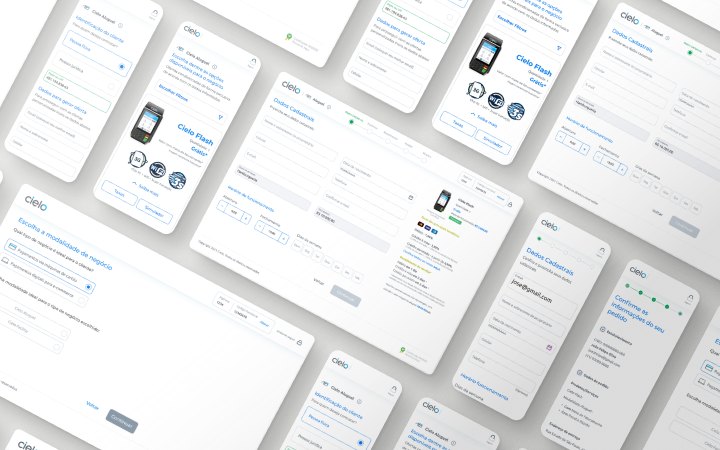
To get a full view of the as-is flow, I mapped the current hiring and registration journey in a blueprint format. That way we would understand the co-dependencies of the flow and which teams would also need to be involved in the proposed improvements.
In parallel, together with another UX Designer, I ran 15 interviews with small and medium merchants from several regions of Brazil and mapped more than 50 pain points. This helped us add to the blueprint a version of the ideal journey, created in partnership with the Customer Experience team.
With the solutions mapped, we prioritized features with the RICE matrix, together with the PO, developers and product specialists, and distributed them by stage of the flow. This would guide the prototypes of the new journey, which would be delivered in a waterfall approach to the development team.
Decisions
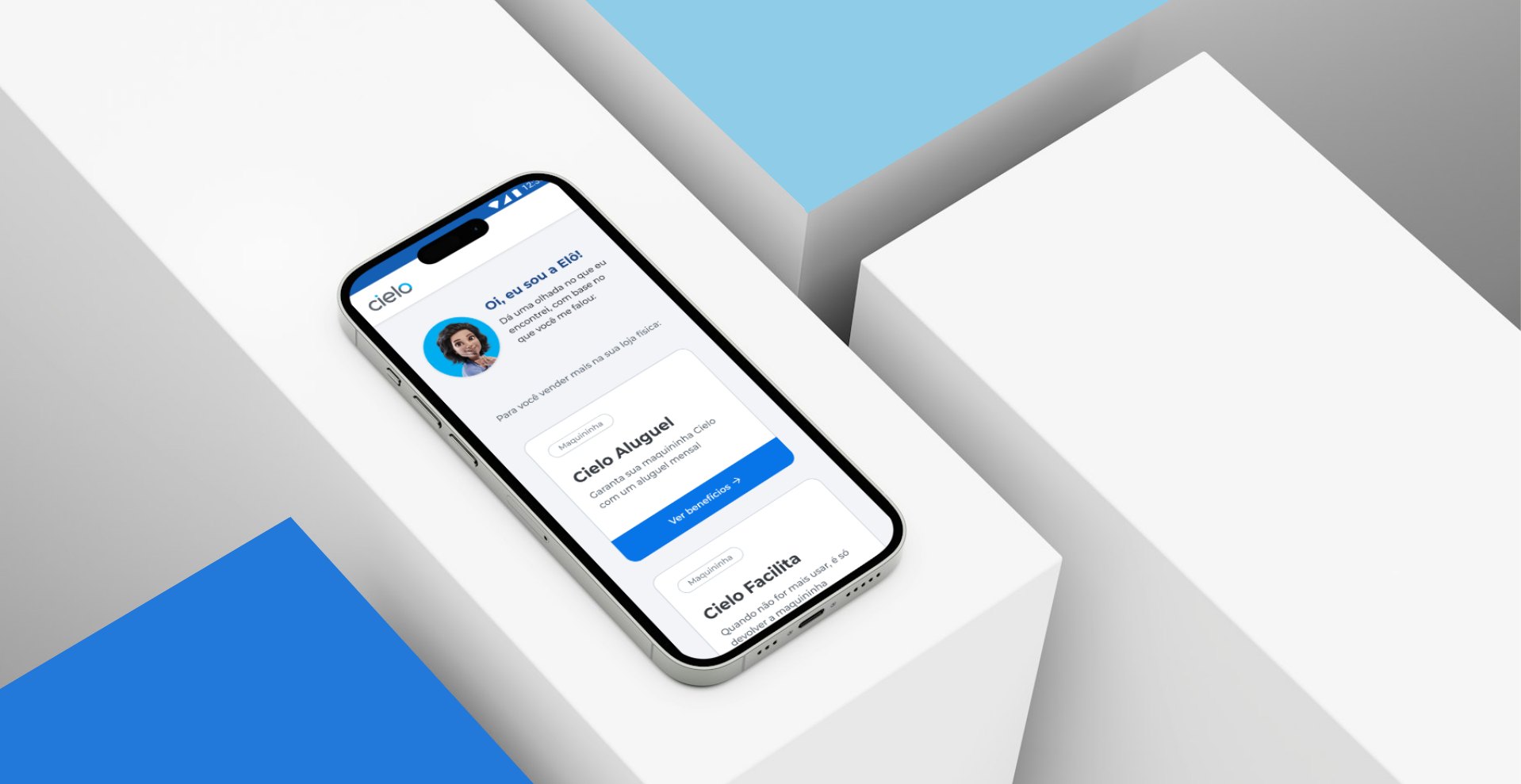
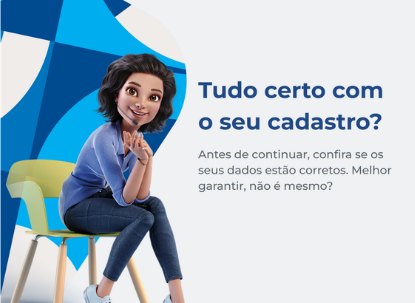
- Recover visual continuity with the brand, with a guided assistant, so the form stops looking like another site. Elô was defined as the project’s mascot: she appears on every screen, as an illustrated conversation with the customer, and became the voice of the satisfaction survey.
- Turn the confirmation screen into a next-steps moment: track the order, activate the machine and download the app.
- Include a comparison between the payment hardware: there was a lot of information about the machines, and customers could struggle to understand which one made the most sense for them.
What did not move forward
- Bringing the offers screen to the start of the flow. Why it was suggested: so people could see what they were getting before typing any data. Why it did not happen: we could not do it because the offers shown depended on customer eligibility, region and revenue.
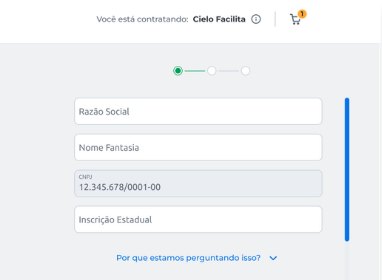
- Removing sensitive data from the start of registration, such as the CPF (tax ID). Why it was suggested: some customers said in interviews they felt unsafe giving their document before a real registration on the site. Why it did not happen: for the same eligibility reason, since to be hired the customer could not have restrictions on their CPF or CNPJ, and a fraud filter ran on that information.
06 Testing
With 28 participants, also small and medium merchants from several regions of Brazil, I tested the new flow and screens to validate usability, features and clarity of information.
In the tests, I identified improvements such as clearer texts, more white space in the form, and suggestions for new features. The positive comments talked about a smoother, less complicated journey, a faster sign-up and more complete information.
07 Handoff
I documented prototypes and flows in Figma. In Confluence, together with the PO, I described the business rules and the defined journey so the whole team could consult them. Since development followed an approach close to waterfall, we refined each stage of the new flow sprint by sprint. I included a Design QA step to ensure fidelity to the prototype and the planned flow.
What could not be solved
Some initial solutions could not be implemented because of API limitations and dependencies on other internal systems. Fees and prices were one of the biggest pains, but that part had little room to change. Some solutions depended on other teams, which increased complexity and timeline and stretched the project to almost a year.
08 Results
I compared the three months before with the three months after the change. Absolute values are not disclosed because they are sensitive company data. We followed the funnel daily and held regular meetings with POs and PMs to align on performance and next steps. We implemented Hotjar to see behavior patterns, which also gave input to the anti-fraud team, and a satisfaction survey at key moments of the journey and at order completion.
| Metric | Before | After |
|---|---|---|
| Abandonment on the first screen | more than 80% | 52% |
| Abandonment on the offers screen | 50% | 48% |
| Product activation | low | up 30% |
| Orders completed via self-registration | — | up more than 40% |
For the feeling of safety, I used the time to fill in each field as an indicator. Before, fields like CPF and address took a long time; afterwards, filling in became smoother and there was less abandonment in that part of the flow. I do not have the exact data.
09 Learnings
- The gains came from the moments when a person decides whether to trust the company: the entry and the confirmation.
- The offers screen took me the most time in terms of visual design innovation, because it seemed to have a solution in that area. In the end, I learned that design alone would not improve the numbers much: abandonment was tied to the price of the machines, plans and fees, which were high, and the customer only saw that price on this screen, already in the middle of the flow.
- I would argue earlier for testing the offers screen as an isolated experiment. By combining it with the rest of the changes, we never knew why it did not move.