
Communication governance and guidelines reaching nearly 100 million users
01 My role
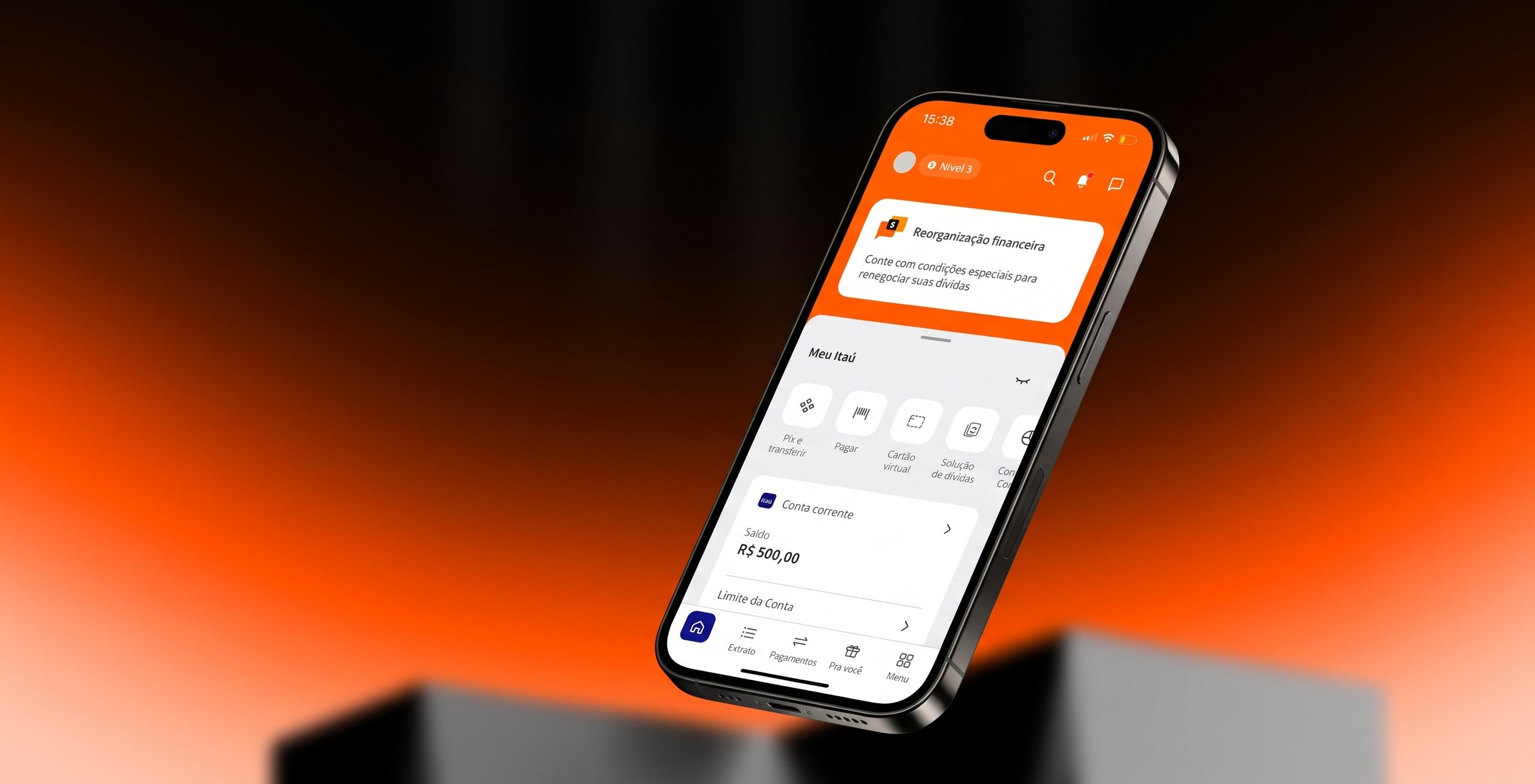
I was the Senior Product Designer responsible for creating and governing the strategy of the communication spaces in the Itaú app: defining the purpose of each space and its specific content and visual rules. I also took part in ideation, workshops and the handoff to development.
02 Summary
In the Itaú app, only 1% of users genuinely engaged with campaigns spread across 22 communication spaces. Customers reported too much irrelevant advertising and ignored what they saw.
As Product Designer, I redefined the purpose and the content and visual rules of every space and format, through workshops with business, product, data and design teams and a research study of 15 user interviews run with UX Research.
I created 15 usage guides, redesigned the existing formats and created seven new ones, validated in three user tests and four 90-day A/B tests. Once everything was validated, I trained the business, creative and operations teams.
The project data is confidential and I did not follow the results in numbers, so the outcome I present is qualitative: what the tests showed, and the drop, over the course of the interviews, in complaints about excess advertising.
03 Context
The Digital Communication team of the Itaú app was responsible for running product and service campaigns in dedicated spaces inside the app, from the Home, through Hubs, to task completion pages.
Data from the existing campaigns showed that only 1% of users had real engagement: this small share clicked, interacted with the tasks or offers and completed the purchase or contract.
We had already created rules for using these spaces, but the operations and creative teams still applied them poorly. The Sales Rooms, the teams responsible for creating and publishing communications for each specific product, produced conversations that, according to the data, were both excessive and not relevant to customers.
Because the spaces were filled with irrelevant and repetitive messages, they became “invisible” to users. In the end, the campaigns that really mattered were ignored by people who had grown used to advertising blindness inside these spaces.
Existing formats
To run campaigns in the app we had eight communication formats, that is, eight components available for distribution.
Existing spaces
The places where these formats could be placed across the app added up to 22 spaces.
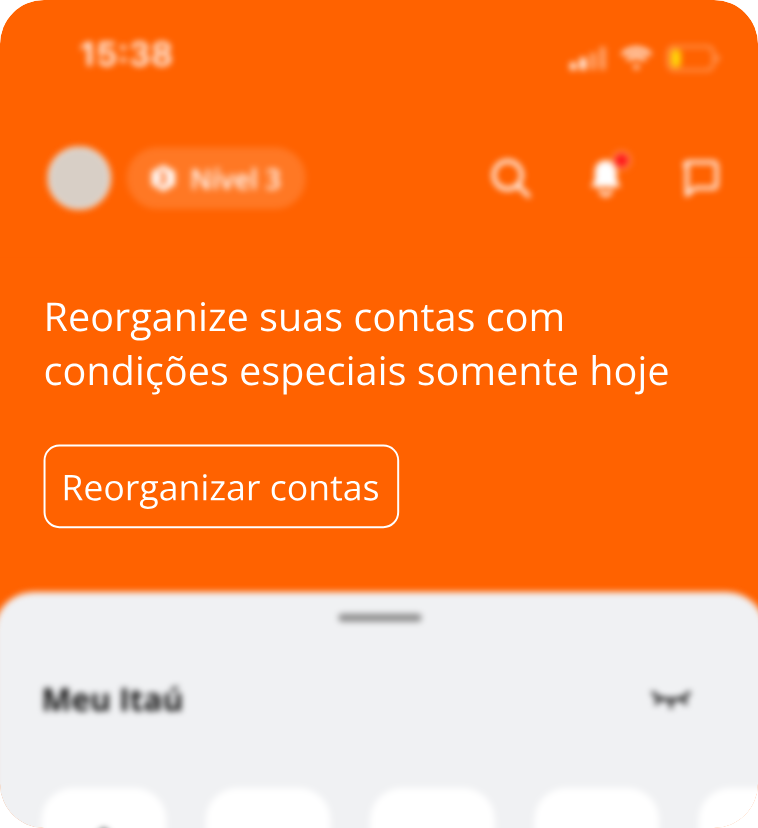
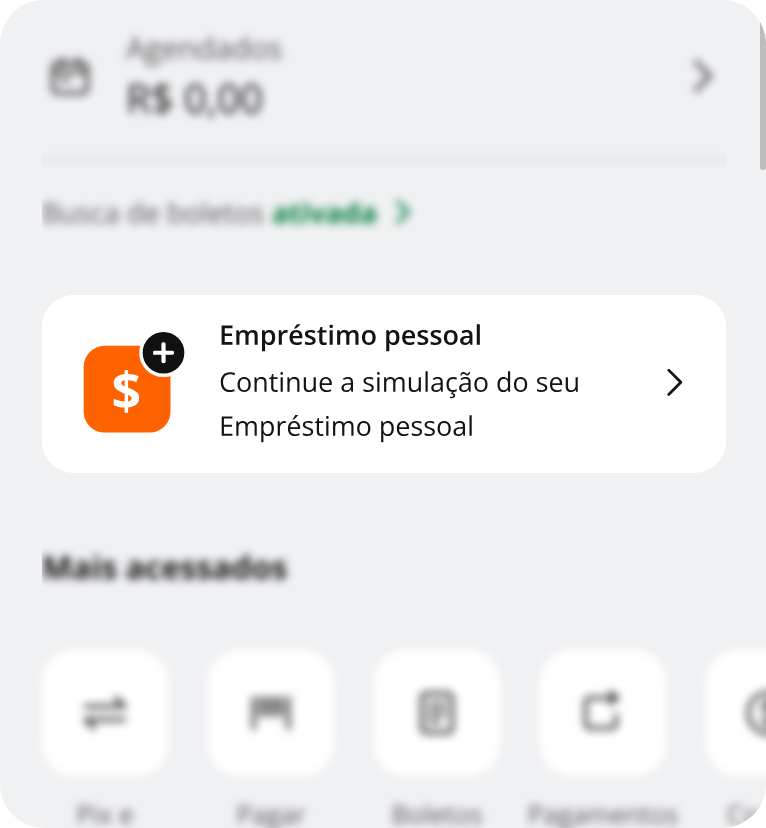
Components as-is
04 The problem
How might we improve the engagement and effectiveness of communications with design and content strategies?
05 The challenge
- Increase engagement. Communications had few clicks, which led to the hypothesis that they had low relevance for users, in other words, wrong targeting.
- Increase contracts. Even campaigns with good click numbers produced few closed contracts.
- Banner blindness. Too many irrelevant or sales-driven communications made users ignore the spaces.
- Too many communications. Many messages had little context for the customer. We were reaching the wrong person, at the wrong moment, in the wrong place in the app.
06 Discovery
Together with my Content Design partner, I analyzed attractiveness and success data for 100 campaigns published across the 22 spaces. From that we understood that part of the problem could be the campaign content or the format used for each one.
I also reviewed the existing purposes and rules of each space and format, evaluating which formats existed, what they were used for, when they were used, and whether they still needed to exist in some scenarios.
Each space and format had its own usage rules, but the guides were often not updated by the previous team and, as a result, were not consulted by the creative team, which created noise in the campaigns.
I talked to around ten stakeholders and directors to understand the strategic view and the opportunities. We also understood we needed the customer’s view on the bank’s ways of communicating inside the app.
Research
For that, I commissioned a study with Itaú’s UX Research team. With a researcher, I co-created the script and the research strategy. We considered focus groups, but decided on individual interviews, since groups could introduce bias between participants. Together with UX Research, I followed 15 user interviews.
The interviews confirmed the low-relevance hypothesis:
- Customers complained about excess irrelevant advertising across the whole app and, because of it, ignored communications.
- In one scenario, we placed a communication about product X in the most prominent space in the app: the top of the Home. When we asked the participant how she would access product X from the Home, she could not even find it, passing by the communication several times and ignoring it.
- Some specific topics could be communicated through other channels, such as email and push: new products, promotions, Itaú Shop offers (physical products), among others.
- After seeing a campaign on the Home and opening another screen, the communication reloaded and did not appear again.
- Because the communications were irrelevant and lacked context, some spaces became just scenery. The medium banner, which combined image and text, was already seen by most people as pure advertising.
07 Ideation and decisions
- Redefine the purpose of every format and every space. I ran workshops with business, product, data and design stakeholders, and together we defined the new goals and the allowed themes for each format and space, using the “Is / Is not, Does / Does not” framework. We then split campaign types into three main categories, besides recovery and mandatory and regulatory communications:
- Know (everything informative and relevant)
- Do (every task or requirement the user must fulfill)
- Consider (offers and promotions)
- Clean up the campaigns. Working with the Showcase Governance team, responsible for the communications that run, we removed repetitive campaigns, empty of content, and those that were not performing as they should in clicks per view and contracts per click. Every month we eliminated around 30 campaigns that were not renewed for the following month.
- Create new guides and guidelines. We defined and distributed usage guides for formats and spaces. In total, 15 new guides were created, covering content guidelines, image and illustration guidelines and usage guidelines for each format, with: usage guidelines; allowed communication pillars; where to apply; component specs; applied examples; content rules; and what not to do.
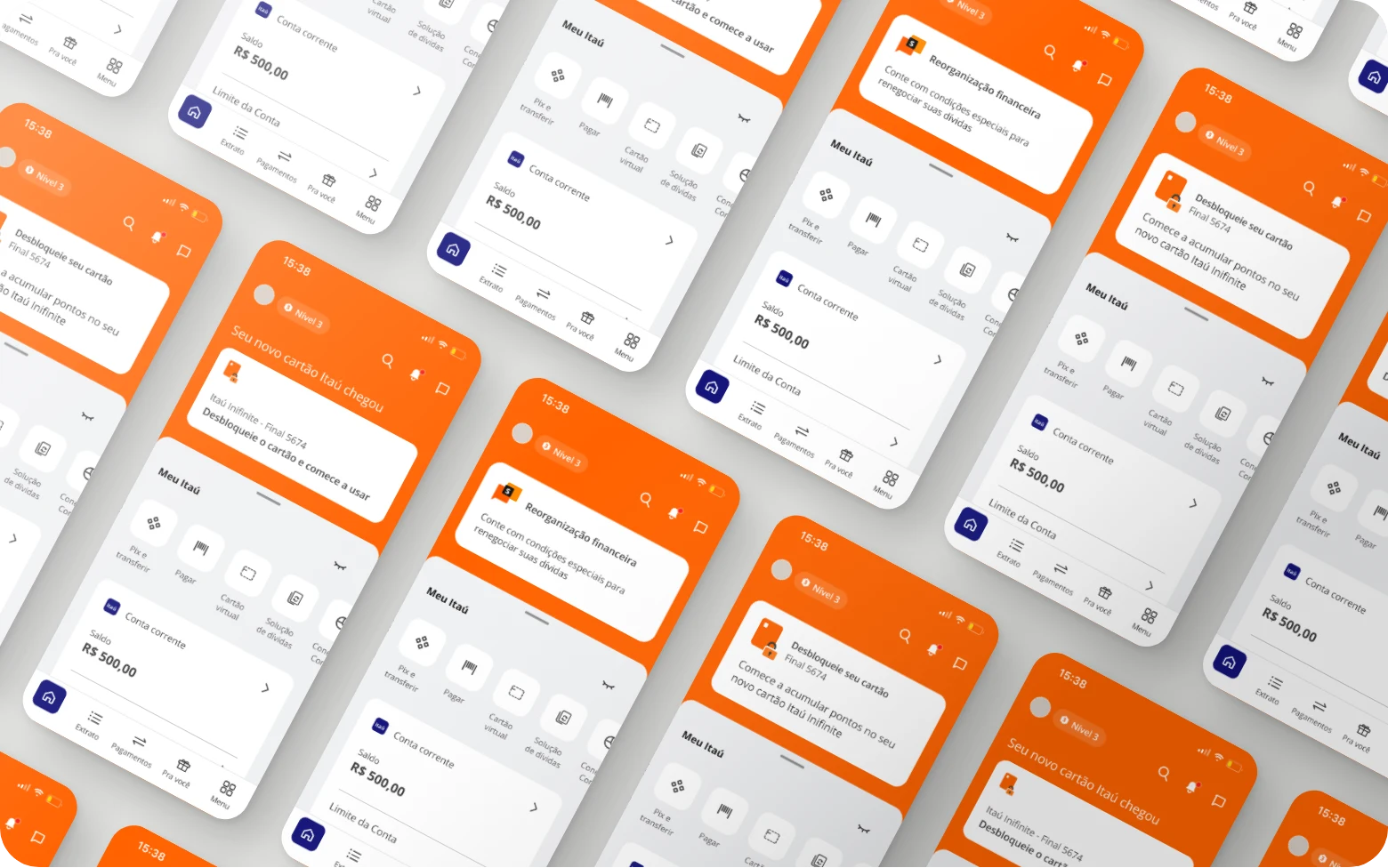
- Evolve the formats visually. I redesigned and restructured the existing components and we created seven new formats. The focus was to offer variations that met the general needs of the Sales Rooms in different contexts and goals for reaching the customer.
08 Testing
Again in partnership with UX Research, we ran three user tests to arrive at the best versions of the formats, and four A/B tests in production, each with 90 days of data collection: format, color, motion design and content.
The real data cannot be disclosed, so I describe what the tests showed and what we decided from them:
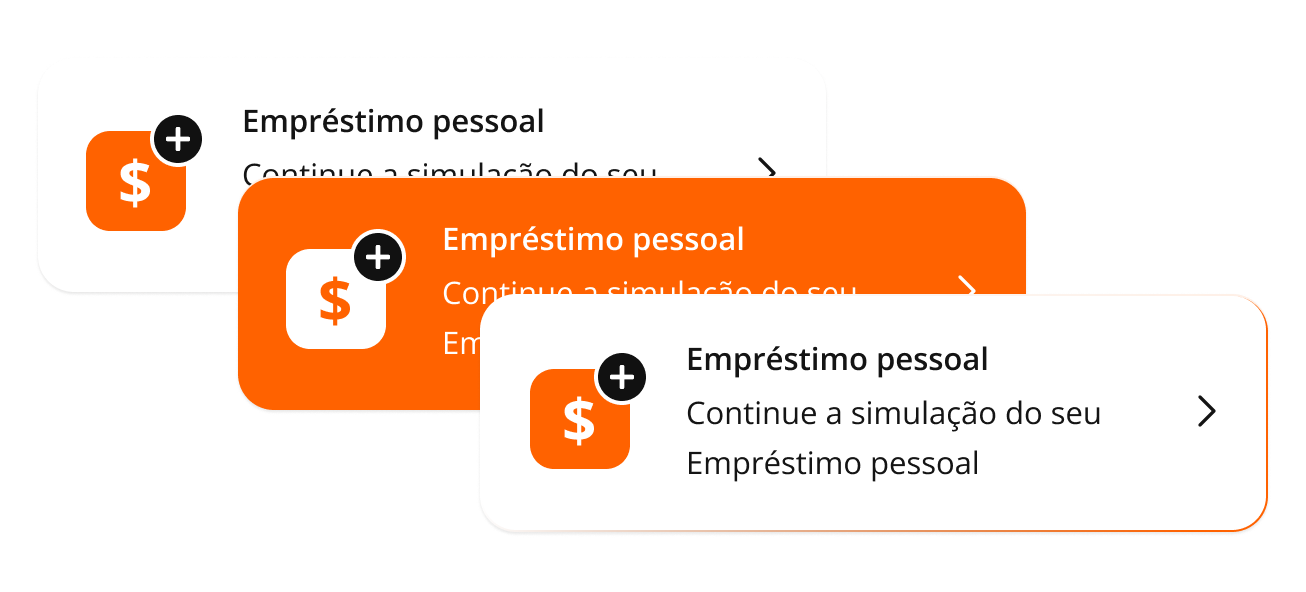
- Color. Teams outside ours had created a wildcard component, outside the design system, to test color. Their first test used different content in different places in the app, which meant it could not be considered an A/B test. I joined the process and we redid it with the same content in the same space, changing only the color, to compare for real. We compared a neutral background banner (white or gray) with a colored one (orange). The colored one got more clicks and conversion, but our hypothesis was that the color stood out so much from the rest of the page (full of other neutral cards) that the pattern break itself caused the spike in clicks. The colored model stayed available only for very time-sensitive campaigns.
- Motion. The version with an animated, colored card border had better results. We kept neutral as the default and this motion version for specific campaigns.
- Format. We tested format variations in the same space and went with the new version, with an illustration or icon, text and CTA. The old version had only text and a button. This test also aimed to improve information hierarchy and data personalization. As in the other tests, the format with visual assets stayed available for campaigns of specific pillars, not for every communication.
- Content. We changed terms and ways of writing in the campaigns, in partnership with the content designer. As a result, attractiveness indicated improvement, because we started showing information that really interested the customer. Before, campaigns were vague, generic and sometimes poorly written.
Some requests from other teams were vetoed in favor of standardization and harmony across the app, so that no components stood out from the rest.
Itaú is a more sophisticated bank, even with low and middle-income audiences, and that is reflected in the app and its communications. That is why we also defined, in the purposes, that the most attention-grabbing formats stay at the top of the Home, considered the prime area, and are intended for tasks the customer needs to fulfill, useful and/or urgent information, and recovery or debtor scenarios, not for selling products and services.
09 Handoff
The guides were first built as a navigable prototype and later migrated to SharePoint. The visual handoff of the evolutions and new formats was always done through Figma, with details aligned in refinement with the team.
After the purposes were defined and the guides ready, we trained the business, creative and operations teams to reinforce and update people on the purposes and the new formats: one in-person session with around 200 participants, and three online sessions with around 100 each.
What made the project hard
Because so many teams were involved, there were blockers with other owners that delayed the project. The conflict between experience rules and business rules was constant, since besides the communications there were product-specific parameters. And, as happens in large companies, projects were born and died often, which affected the team’s queue.
10 Results
The real data from this project is not disclosed, and I did not follow the results in numbers. The only number is the starting point: 1% of users had real engagement with campaigns, meaning people who clicked and then contracted or completed the proposed task.
What I have is qualitative: the results of the tests described above, and the perception, in interviews over time, that excess advertising stopped being a frequent complaint among customers.
How the project defined success
- General increase in the attractiveness of the formats (clicks per view).
- General increase in success, meaning contracts or task completions coming from communications.
- Impact of the changes in purposes and visuals on these results.
- Frequent testing, for continuous evolution of the spaces.
11 Learnings
- Project organization and the active participation of everyone involved are worth a lot, especially with many different teams.
- In large teams and companies, things take time. I did not see this project’s results in data, but I saw the app’s communication improve in practice: in the first interviews many customers complained about excess advertising, and over time that stopped being a frequently raised problem.